Viral Raksha Bandhan Ai Photo Editing Prompt
0Likes
0Views
0Comments
AI Prompt Used
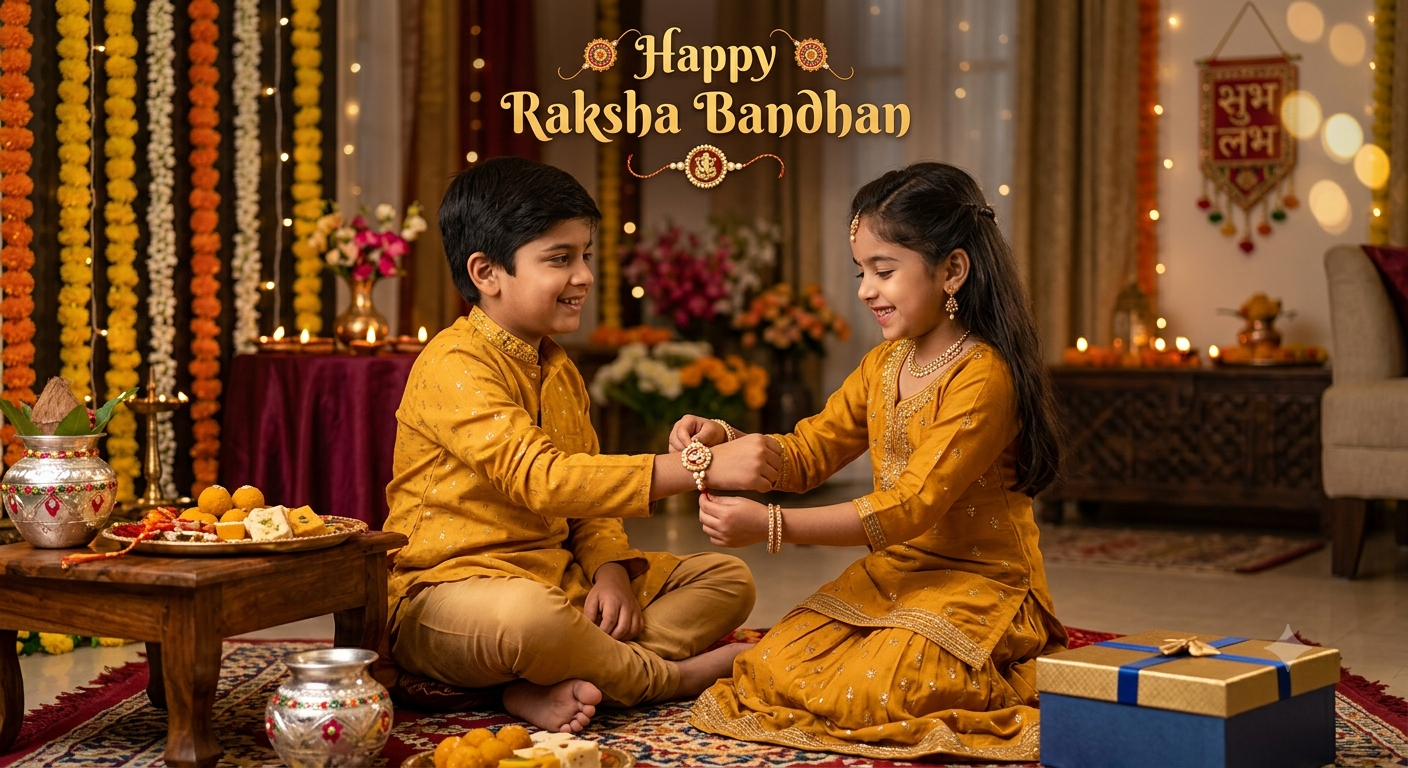
A beautiful artistic collage of Raksha Bandhan moments arranged in a warm festive layout. The collage features multiple overlapping scenes: a smiling sister tying a colorful rakhi on her brother’s wrist, a close-up of an elegant designer rakhi, a traditional brass thali filled with diya, kumkum, rice and marigold flowers, a brother covering his sister’s eyes while gifting her a pink box, siblings sharing sweets,
Click or tap to copy
About This AI Prompt
Raksha Bandhan AI Photo Editing Prompts – When creating a Raksha Bandhan photo these days, the first thing that comes to mind is capturing the rakhi, sweets, and puja thali alongside the brother and sister. You want a soft golden light in the background and a cinematic look, ensuring the rakhi thali appears beautifully decorated—a style of photo that is very popular. Nowadays, you don’t need an expensive camera setup to achieve this; you can do it easily by following the method we are sharing in this article. We will teach you how to create trending Raksha Bandhan photo edits, enabling you to easily produce viral-worthy content.
Comments
Add a Comment
No comments yet. Be the first to share your thoughts!