Prompt Seen: AI Miniature Diorama Portrait Generator - Create Viral Photo Editing Prompts
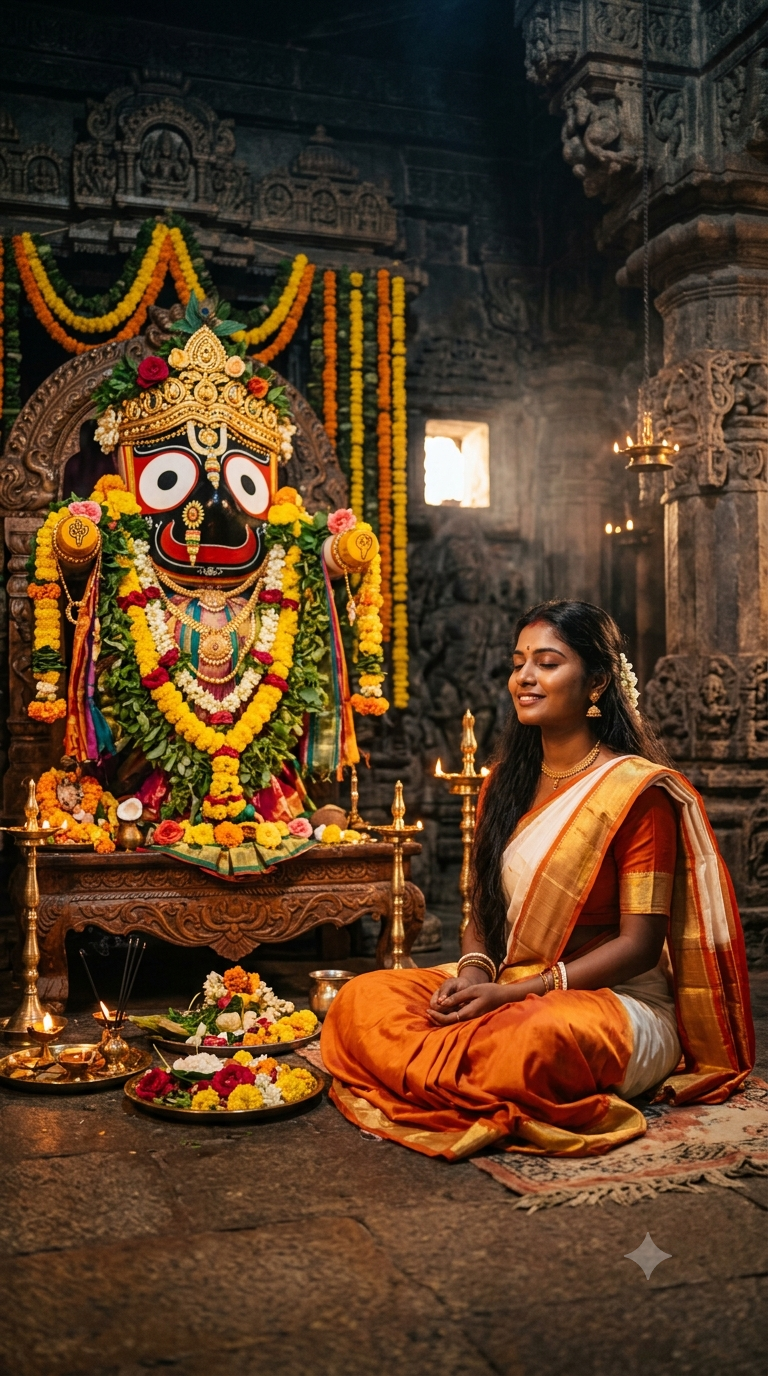
Viral Jaganath Ji Realistic Photo Prompt For Girls
Viral Jaganath Ji Realistic Photo Prompt For Girls
View Products →AI Prompt Used
About This AI Prompt
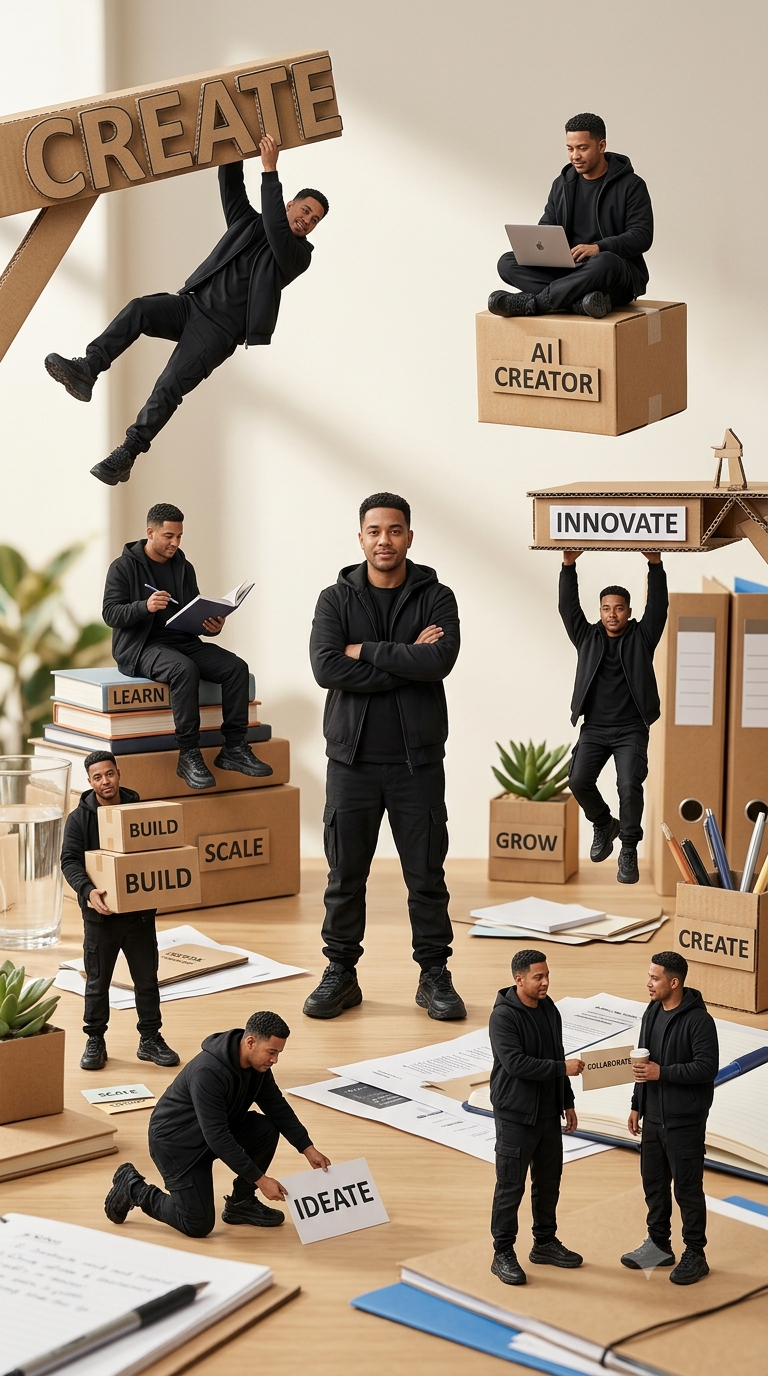
This Prompt Seen miniature-diorama prompt leverages advanced AI image generation to transform a single portrait into a complex, multi-scene photorealistic composition. Using forced-perspective macro photography techniques and character consistency algorithms, the AI maintains facial identity across 8+ miniature versions of the subject while integrating them into a realistic creative workspace environment. The prompt's sophisticated structure includes: • Facial identity preservation across multiple figures • Consistent wardrobe and styling requirements • Specific prop labeling (CREATE, INNOVATE, LEARN, etc.) • Realistic miniature scale photography simulation • Cinematic depth and commercial advertising finish This technique has become viral on Prompt Seen for creating professional portfolio pieces, social media content, and brand storytelling visuals. The prompt works across Midjourney V6, DALL-E 3, Stable Diffusion XL, and Google Imagen for varying artistic interpretations.
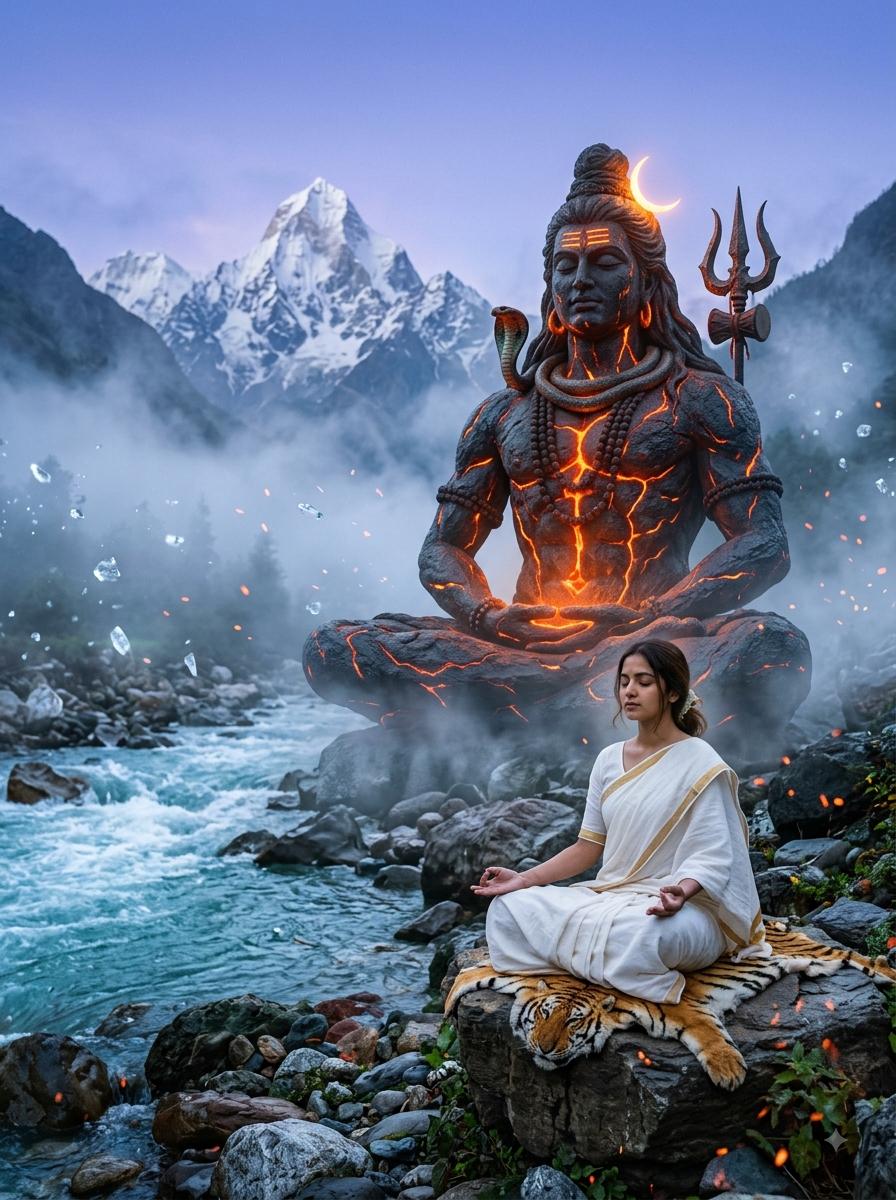
Viral Prompt Seen Shivji Ai Editing prompt
Want to try Viral Prompt Seen Shivji Ai Editing prompt you are at right place just copy above prompt paste it in gemini with upload your photo then hit generate the gemini will transform your image to meditation with shivji .
View Products →AI Platform Comparison (32+ Models)
AI Platform Comparison for Miniature Diorama Portraits
Compare the best AI image platforms for creating photorealistic miniature diorama portraits with consistent character identity.
| Platform | Best For | Pricing | Category | Key Strength |
|---|---|---|---|---|
| Midjourney V6 Recommended | Character consistency across multiple miniatures | $10/mo | professional | --cref for face reference & --ar 9:16 vertical posters |
| DALL-E 3 | Accurate text rendering on cardboard props | Credits | professional | Best for labeled props like CREATE, INNOVATE, BUILD |
| Stable Diffusion XL | Fine-tuning, local generation, ControlNet poses | Free/Paid | open-source | Custom LoRA training for consistent character |
| Google Imagen 3 | Photorealistic textures, natural lighting | Free/Paid | professional | Superior skin texture & fabric detail |
| Leonardo Creative | Multi-scene composition, commercial use | Token system | professional | Element weights for prop emphasis |
| Adobe Firefly | Commercial-safe, Creative Cloud integration | Subscription | commercial | Licensed for client work |
Quick recommendations:
- For viral social media: Midjourney V6 with
--creffor face consistency - For commercial projects: Adobe Firefly (legal protection)
- For free generation: Stable Diffusion XL via Hugging Face
- For text-heavy props: DALL-E 3 (best label rendering)
Top AI Image Generation Tools
Midjourney V6
Character consistency with --cref, best for viral miniature dioramas
DALL-E 3
Accurate text rendering on cardboard props
Stable Diffusion XL
Open-source, ControlNet pose control, LoRA training
Google Imagen 3
Photorealistic skin texture and natural lighting
Leonardo Creative
Multi-scene composition with element weights
Adobe Firefly
Commercial-safe with Creative Cloud integration
Model-Specific Optimization Tips
Model-Specific Optimization
Midjourney V6
- Use
--cref [face URL] --cw 100for facial consistency across all miniatures. - Add
--ar 9:16 --style raw --v 6for vertical poster format. - Use
--no blurry, distorted, extra limbs, merged figuresto avoid artifacts.
DALL-E 3
- Use natural language and specify exact text in quotes: "CREATE", "INNOVATE".
- Request "exactly 8 miniature figures" to control count.
- Add "maintain facial consistency across all figures" for identity preservation.
Stable Diffusion XL
- CFG Scale: 8-10, Steps: 30-40, Sampler: DPM++ 2M Karras.
- Use IP-Adapter with face image for character consistency.
- Use ControlNet OpenPose for accurate miniature poses.
Google Imagen 3
- Use conversational prompts: "Create a professional photo..."
- Follow up with "Make the miniatures smaller and more detailed."
- Request "Generate 4 versions with different lighting."
How To Use This Prompt
Expert Tips for Best Results
- Use a high-resolution, front-facing portrait for --cref. Poor quality reference = poor miniature faces.
- Specify "exactly 8" miniature figures and regenerate if the count is off.
- For readable labels (CREATE, INNOVATE), use DALL-E 3 or add text in post-processing.
- Use "soft warm daylight" to avoid harsh shadows that confuse miniature scale.
- Request "central character slightly larger" for strong visual hierarchy.
- Add negative prompts: --no blurry, distorted, extra limbs, merged figures.
- Generate 8-10 versions and composite the best elements from each.
- Add "with visible desk objects like pens and paper clips" to establish miniature scale.
- Keep "all-black creator outfit" consistent across all figures.
- Clean up merged figures or add missing props in Photoshop for commercial quality.
Usage Tips
- Keep prompts detailed — this prompt's power comes from specificity.
- Adjust aspect ratio: 9:16 for Reels/Stories, 16:9 for YouTube, 1:1 for Instagram.
- Use style references for more consistent results.
- Try varying chaos/stylize: lower chaos for consistency, higher for creative variations.
- Combine with lighting or color grading prompts for unique looks.
- Specify camera types: "85mm lens, f/2.8" enhances macro photography feel.
- Include depth of field: "shallow DOF, creamy bokeh" for professional look.
- Test the prompt across Midjourney, DALL-E 3, and Stable Diffusion.
- Keep a log of successful parameter combinations and seeds.
- Iterate systematically: change one element at a time between generations.
Optimization Tips
- Use specific, descriptive language in prompts for better AI understanding.
- Include relevant keywords like "photorealistic miniature", "diorama portrait", "forced perspective".
- Experiment with parameter combinations to optimize outputs for different platforms.
- Save successful prompt variations for future reference and refinement.
- Stay updated with latest AI model capabilities (Midjourney V7, DALL-E 4, SD 3.5).
- Add alt text to generated images for accessibility and
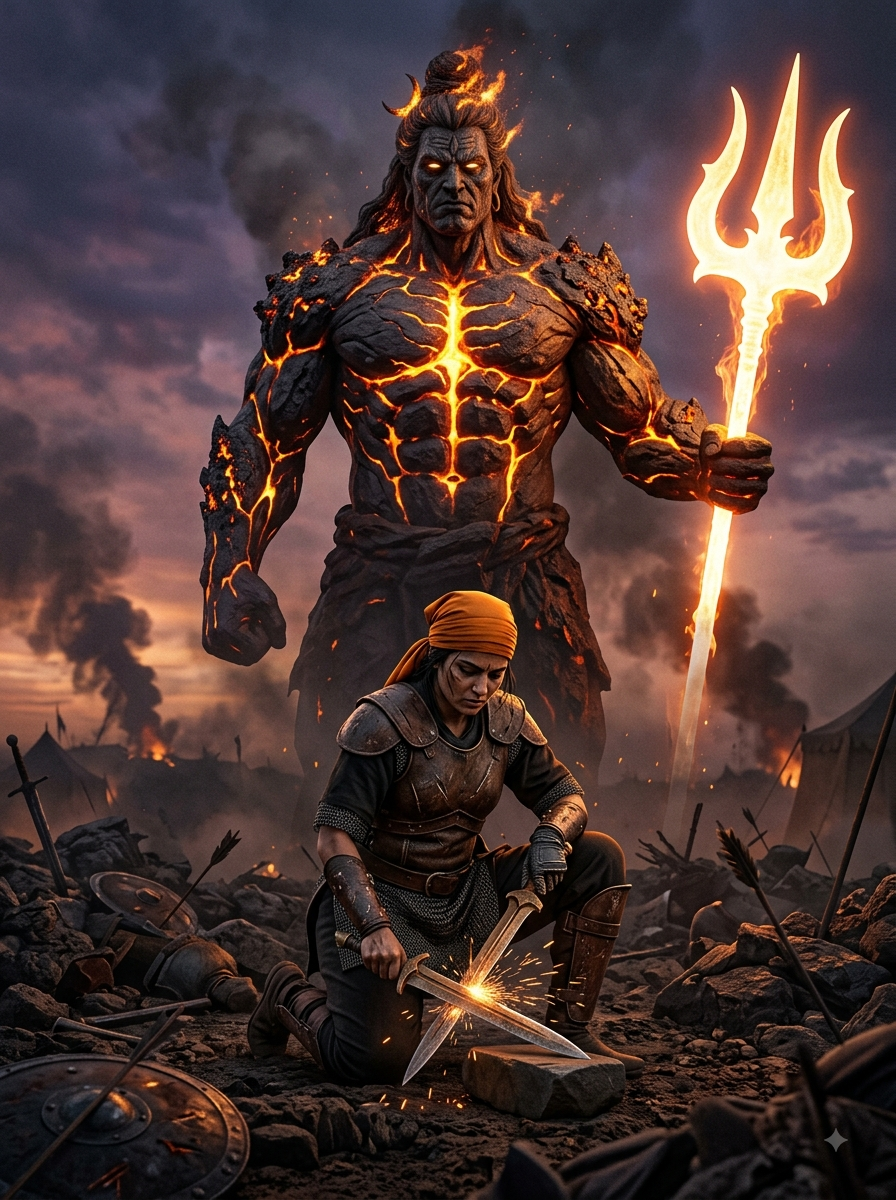
Prompt Seen Mahadev
Mahadev Prompt Seen is viral on social media you can generate your own photo by just copying above prompt and paste it in gemini and upload your ordinary photo on it then hit generate .
View Products →
Comments
Add a Comment
No comments yet. Be the first to share your thoughts!