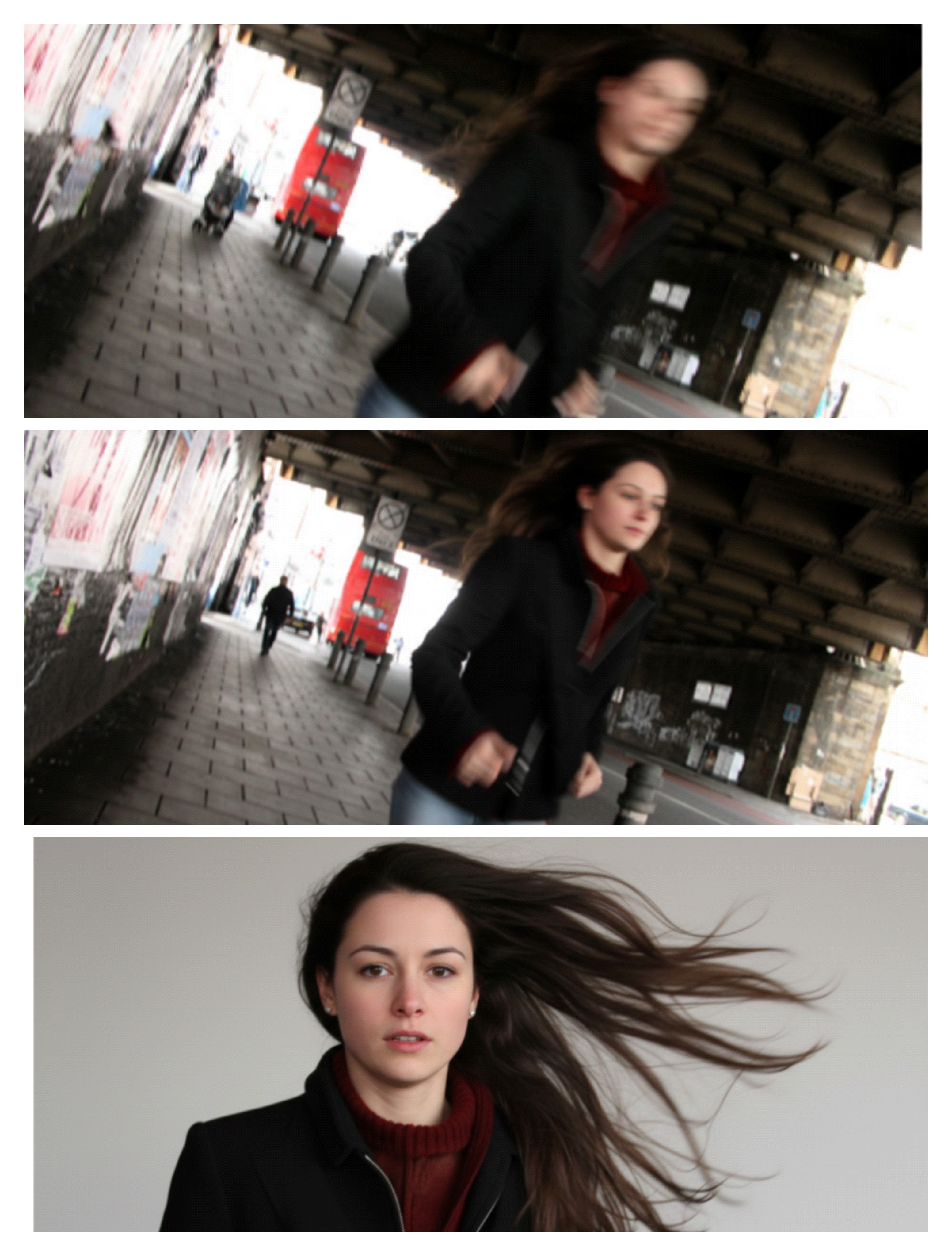
Photo Blur To Clear With Single Prompt | Change Blur Photo To Clear Online Free
0Likes
210Views
0Comments
AI Prompt Used
Enhance the following two photos to 4K resolution with maximum clarity and detail preservation. Ensure that the upscaled images maintain natural colors and sharpness without introducing artifacts or distortions. Provide the enhanced images in a format optimized for 4K displays, preserving the original aspect ratio.
# Steps
1. Analyze the two input photos to understand their current resolution, quality, and content.
2. Use appropriate techniques or AI-based upscaling methods to increase their resolution to 4K (3840 x 2160 pixels).
3. Enhance image clarity, details, and colors while preventing noise amplification or quality loss.
4. Verify that the aspect ratio remains unchanged to avoid stretching.
5. Output the enhanced photos in a high-quality format such as PNG or high-bitrate JPEG.
# Notes
- Preserve natural appearance without over-sharpening.
- Avoid introducing visual artifacts.
- Ensure the images are suitable for display on 4K monitors or TVs.
Click or tap to copy
About This AI Prompt
Google Imagen 3 Google's most advanced text-to-image model with photorealistic quality. Whether you need photorealistic, detailed rendering, text integration, this platform delivers exceptional results for your creative projects.
Comments
Add a Comment
No comments yet. Be the first to share your thoughts!