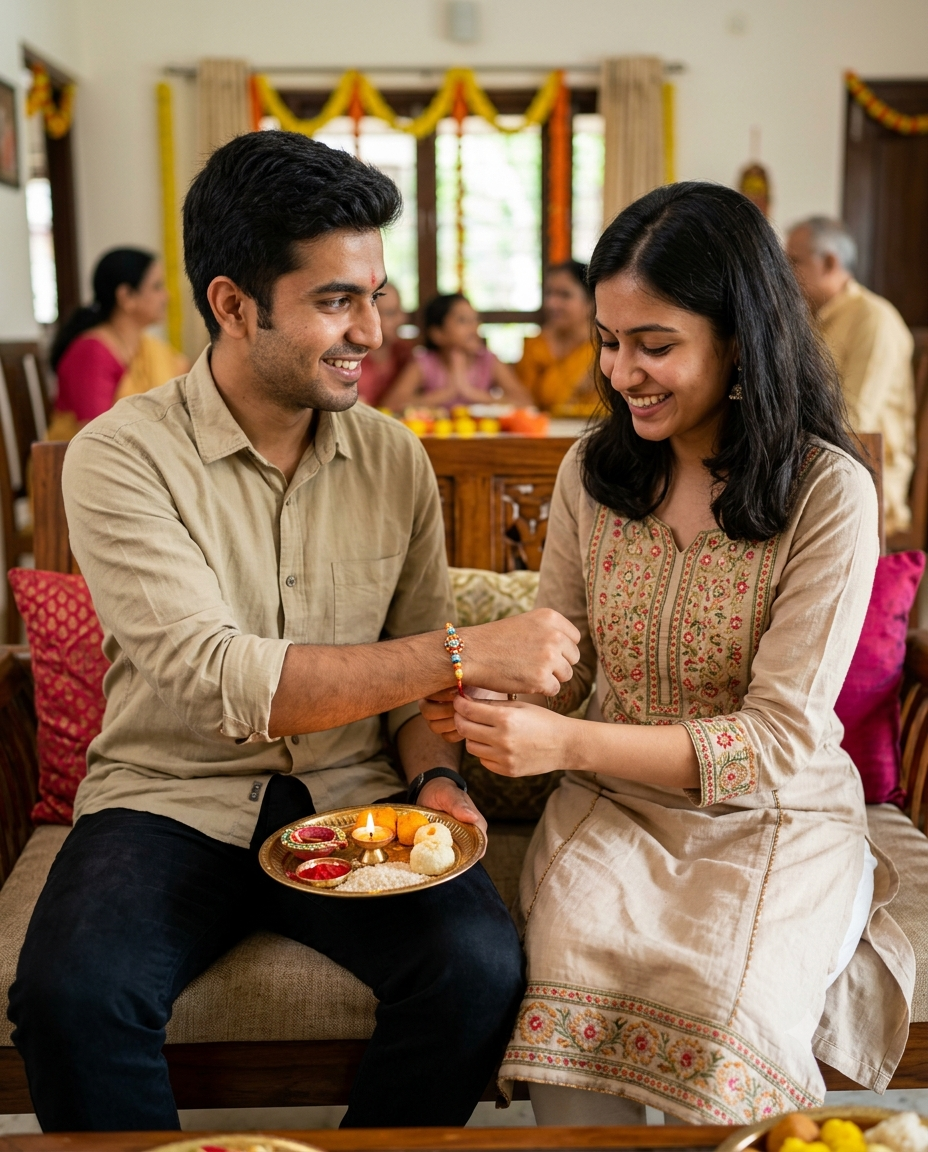
Happy Raksha Bandhan Ai Prompt
0Likes
10Views
0Comments
AI Prompt Used
UNIVERSAL PROMPT — USE THE TWO PROVIDED PERSONAL REFERENCE IMAGESUse the two uploaded personal reference images as the strict, primary and individual identity references: Reference Image 1 = BROTHERReference Image 2 = SISTERCreate an ultra-photorealistic, natural, candid 4:5 Raksha Bandhan family portrait featuring these exact two real people together as brother and sister.1. ABSOLUTE IDENTITY PRESERVATION — HIGHEST PRIORITYPreserve each person's recognizable real identity exactly according to their respective reference image.Brother must retain Reference Image 1 identity.Sister must retain Reference Image 2 identity.Do not redesign, beautify, reinterpret, merge or alter either face.Preserve exactly:facial structure and proportionsface shapeeyes and eye shapeeyebrowsnoselipsjawlinecheeksnatural skin tonenatural skin texture and poreshairlinehairstylehair texturerecognizable facial characteristicsnatural age and appearanceZERO FACE ALTERATION.The final photograph must unmistakably look like the same two real people from the uploaded. reference photographs, simply photographed together during Raksha Bandhan.Do not face-swap, face-mix, morph, merge, beautify, smooth, reshape or reinterpret their identities.
Click or tap to copy
About This AI Prompt
You can create different types of Rakhi photos from a single photo. As I’m talking about, if you have just a single photo and you want to create completely different types of photos, for example, you want to create a traditional home look, with warm lighting and a Rakhi thali. You can create that too. Your photo can be converted into a cinematic report rate. You can create it as an emotional memory. You can add a festival by adding a photo of two people, and from there, you can create a minimal Rakhi portrait. This means that you can create different types of realistic photos using a single photo. You’ll see how in this article. You can easily create all the photos shown to you.
Comments
Add a Comment
No comments yet. Be the first to share your thoughts!