
Gemini Double Exposure Ai Photo Editing Prompt
0Likes
50Views
0Comments
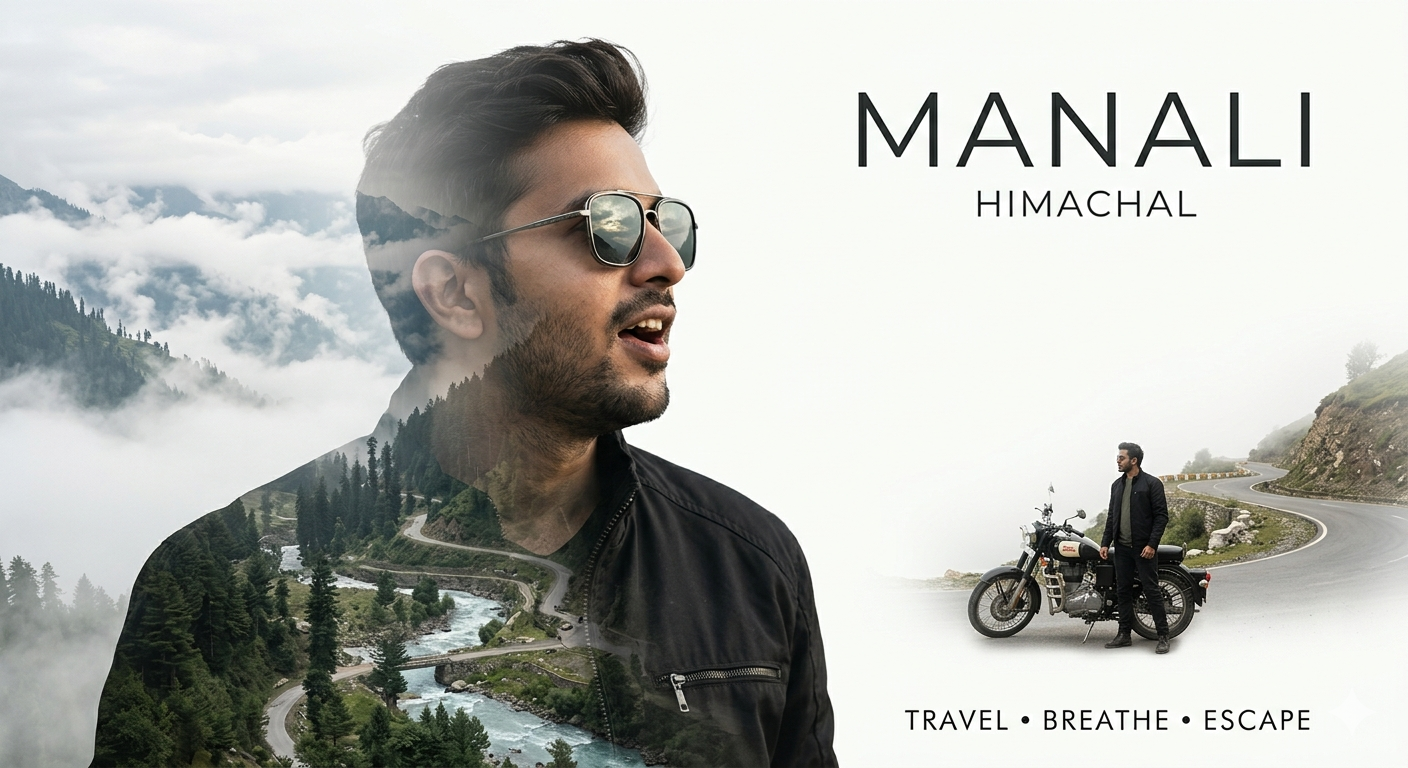
AI Prompt Used
Create a cinematic double-exposure travel poster for “Manali, Himachal” using my uploaded photo. Keep the same face, pose, outfit, sunglasses, and natural features unchanged. Blend Himalayan valleys, pine forests, misty mountains, winding roads, rivers, and clouds inside the portrait silhouette. Add a small full-body version beside a scooter/bike on a mountain road. Style: luxury Himalayan tourism campaign, dreamy matte tones, soft fog, atmospheric depth, realistic blending, minimal typography, clean white background, ultra-realistic editorial aesthetic. Text: “Manali”. “Himachal”. “TRAVEL• BREATHE• ESCAPE”
Click or tap to copy
About This AI Prompt
You’ve all probably noticed that dual exposure editing is trending right now, so I’ve already learned how to edit it. But I thought I’d share this new viral edit with you. In this article, we’ll share it and show you how you can easily create this viral edit. If you follow these steps correctly, right?
Comments
Add a Comment
No comments yet. Be the first to share your thoughts!